See the full loop in action
From smart inbox to AI execution to client dashboard. Real screenshots from the platform — no mockups, no wireframes. This is what you see when you log in.
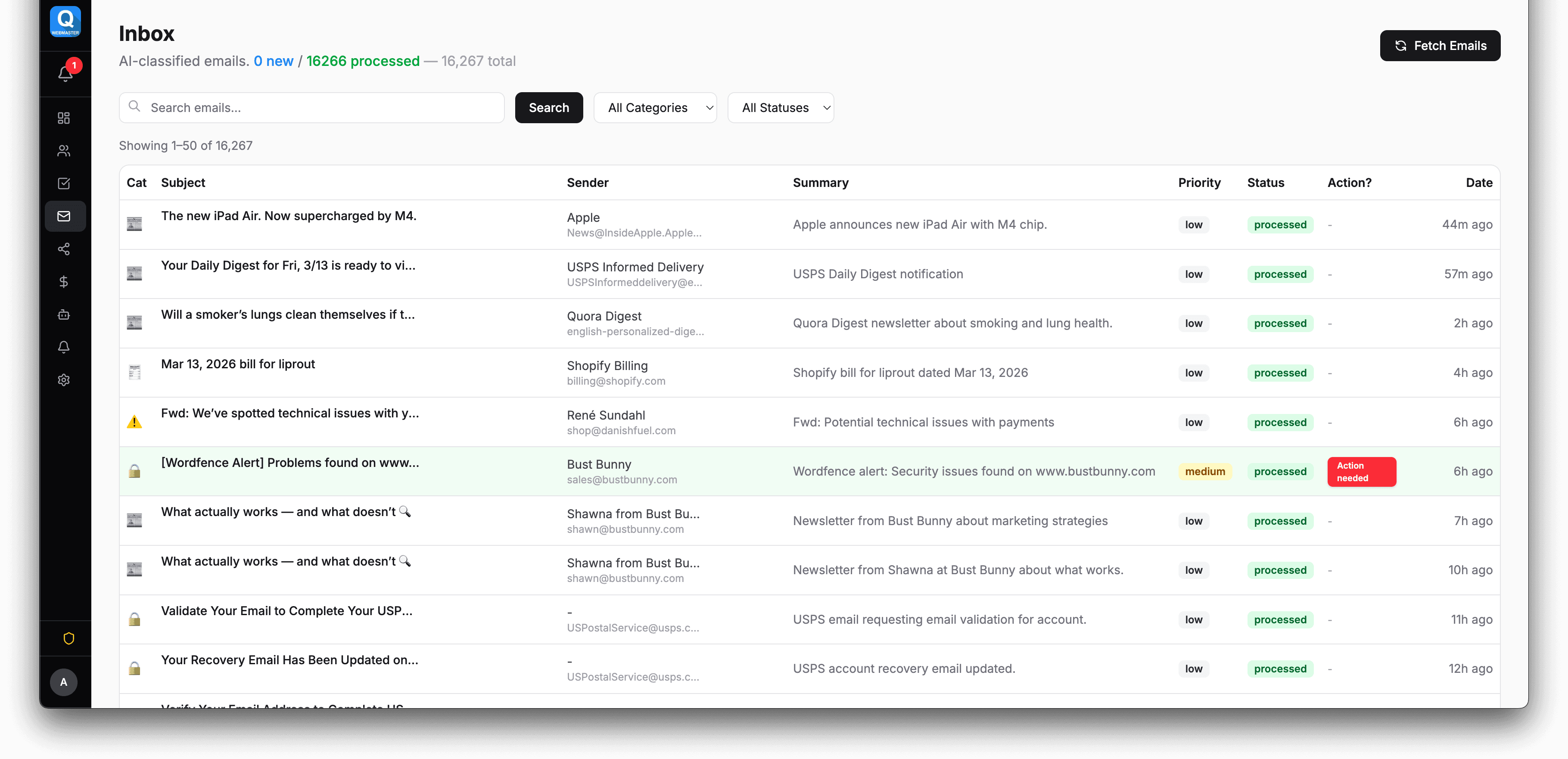
Smart Inbox — Where It All Starts
Every message flows here first. AI classifies by category and priority, auto-links to brand accounts, and routes work requests into tasks. Draft replies with one click. This is where QWEB starts working for you.
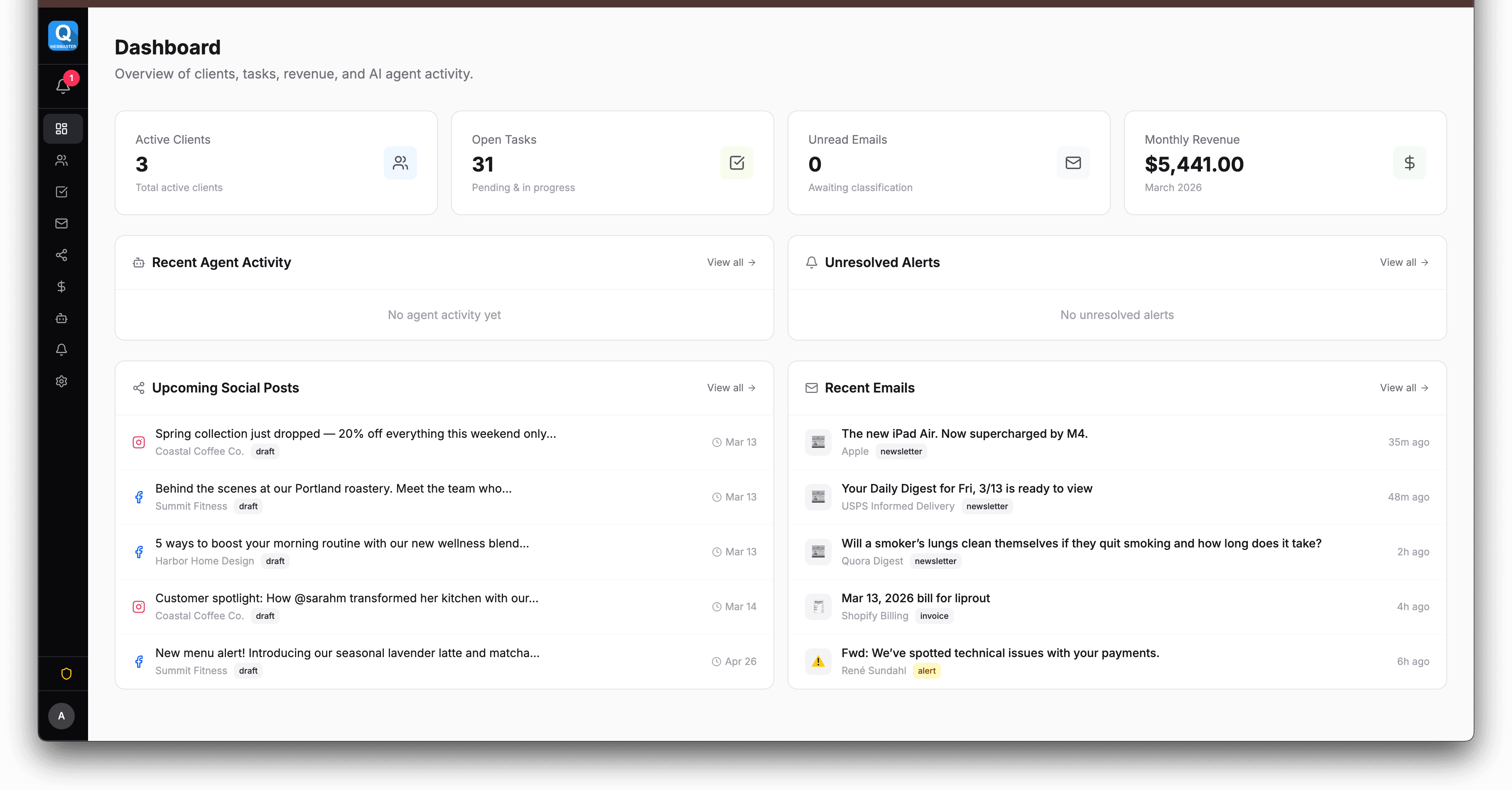
Dashboard — Your Command Center
All brands at a glance. Key metrics, pending tasks, recent activity, AI status. Know exactly where everything stands — and what needs your attention — without opening a single email.
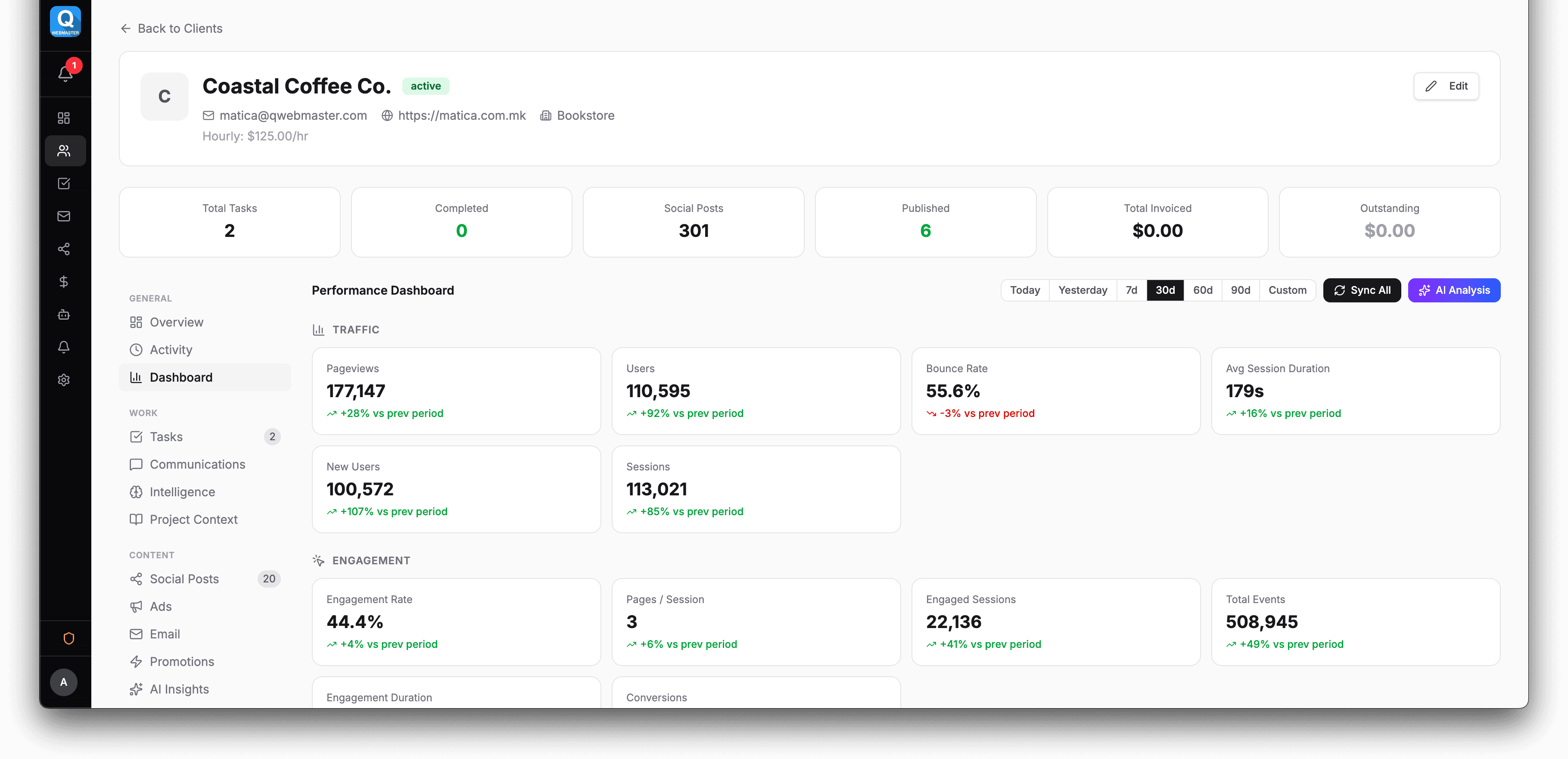
Analytics — Every Metric, One View
Deep dive into any brand. Google Analytics, Meta, Shopify, Klaviyo — all normalized into comparable charts with date filtering and MoM comparison. AI analyzes weekly and flags what needs attention.
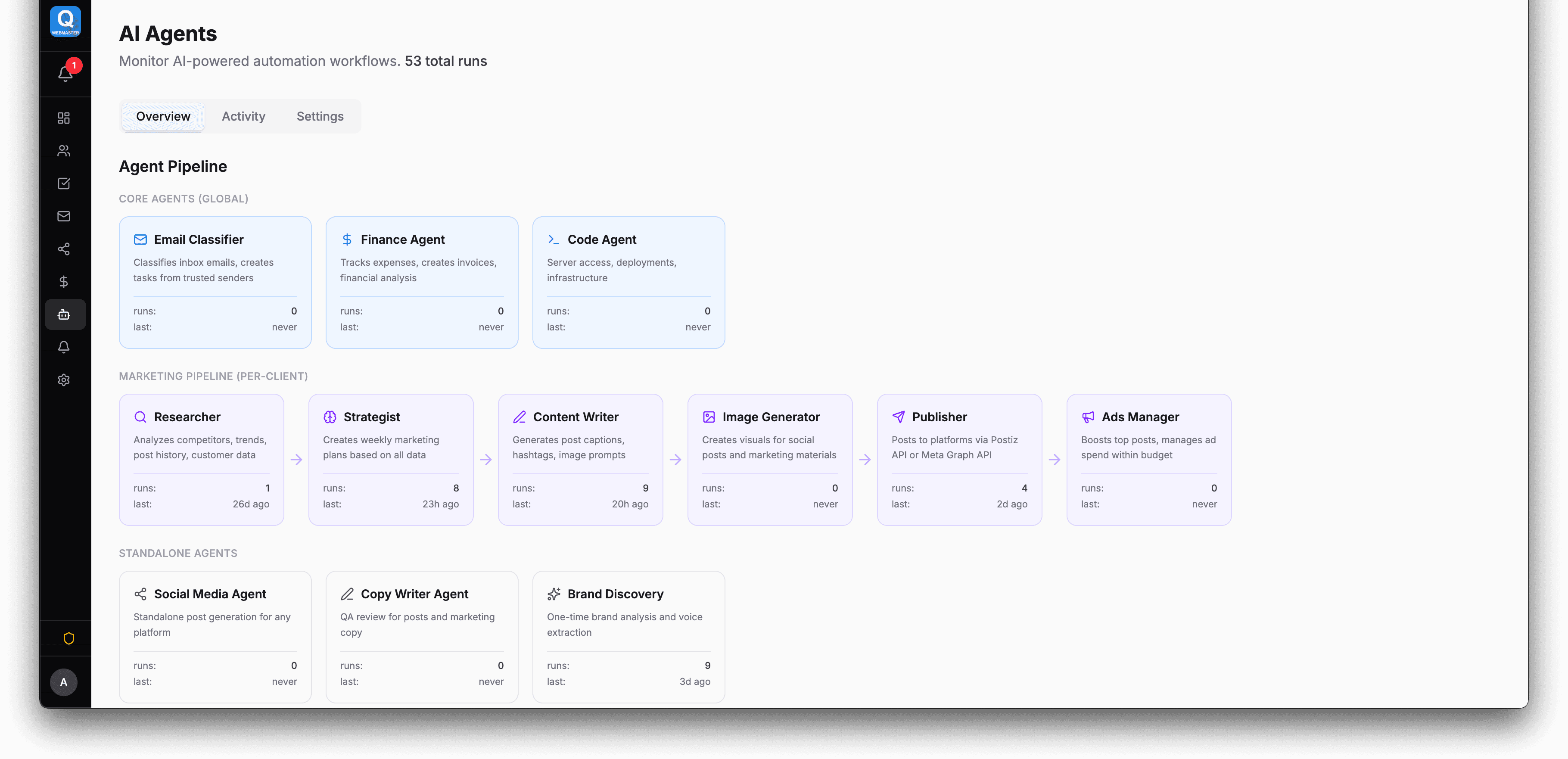
AI Pipeline — The Work Gets Done
Specialized AI collaborates in a pipeline: research, strategy, content, images, publish, boost. Monitor every run in real time — what was produced, how long it took, what it cost. Full transparency.
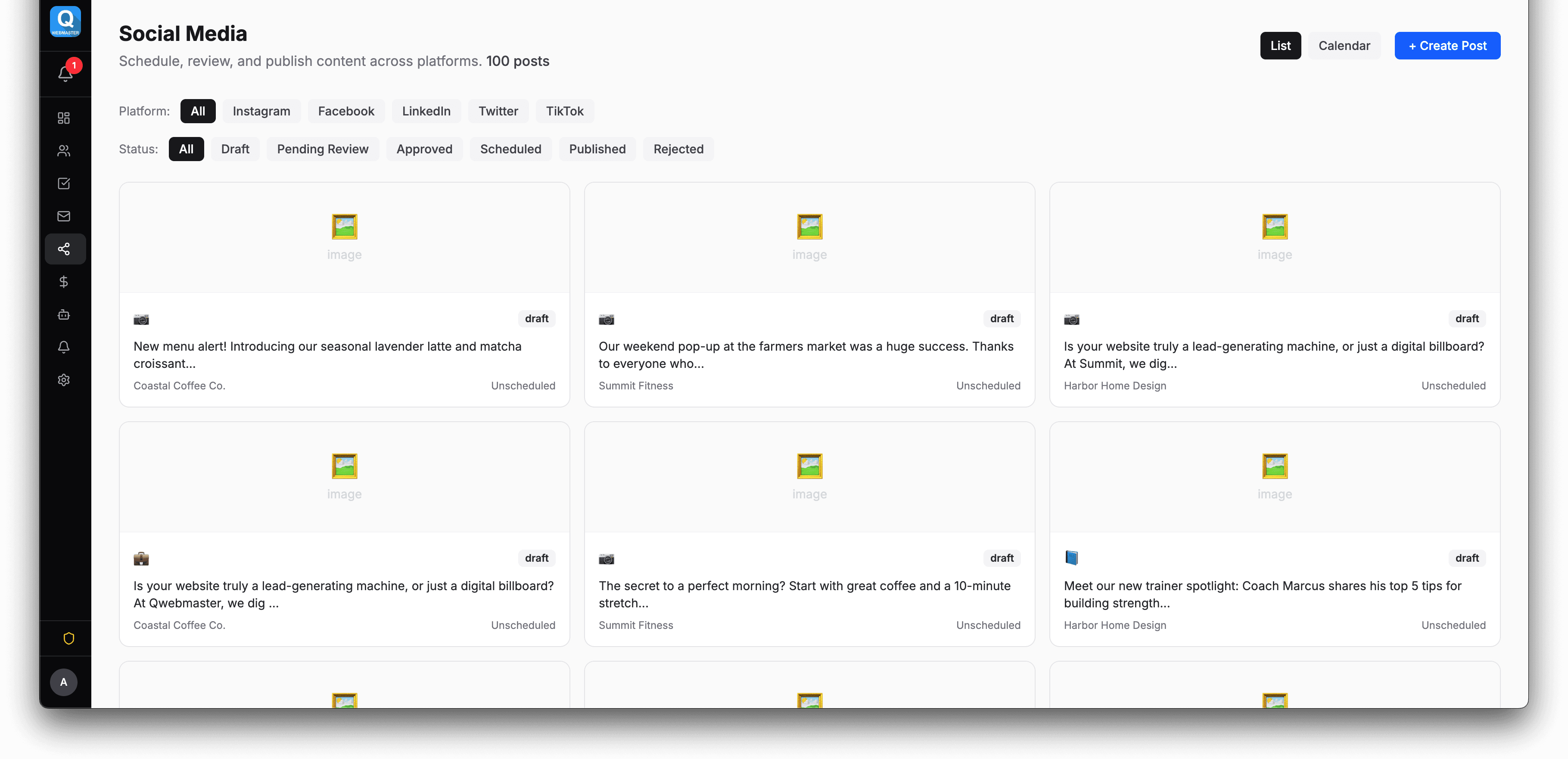
Content Calendar — Review & Approve
AI-generated content appears as drafts ready for your approval. Color-coded by status and platform. Drag posts between dates. Approve from here or from your phone — then it goes live automatically.
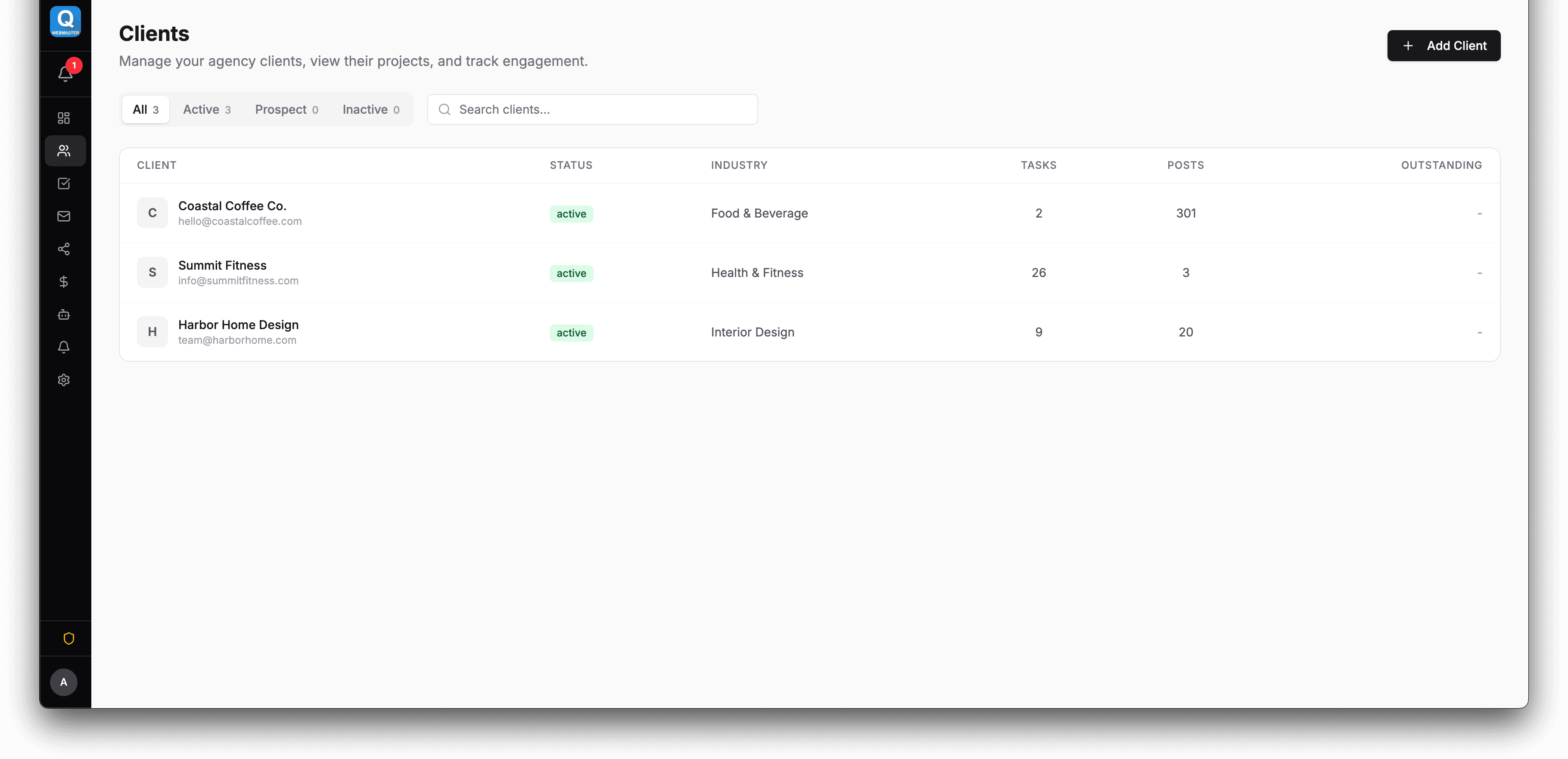
Brand Management — Scale Without Chaos
Every brand in one list with active integrations, recent AI runs, and key metrics at a glance. From here you manage brand voice, safety controls, budgets, and portal access. 1 brand or 60 — same workflow.
And that's just the surface
Every screenshot above is one view. The platform goes much deeper — here's what else you get.
Ready to try it yourself?
Screenshots only tell part of the story. Get your own account and see how the platform handles your specific workflow.